

On your phone right now? Just tap a button above. On a computer? Scan the QR code with your phone's camera.
Who's Responding is free to install for members of subscribed departments. Grab it from your store, sign in with your department credentials, and the next tone reaches your pocket.
On your phone right now? Just tap a button above. On a computer? Scan the QR code with your phone's camera.
Use the credentials from your department administrator. Serving on multiple teams? Add every account and switch in seconds.
Push notification, text, email or automated phone call — plus Virtual Pager mode to auto-play dispatch audio like a traditional pager.
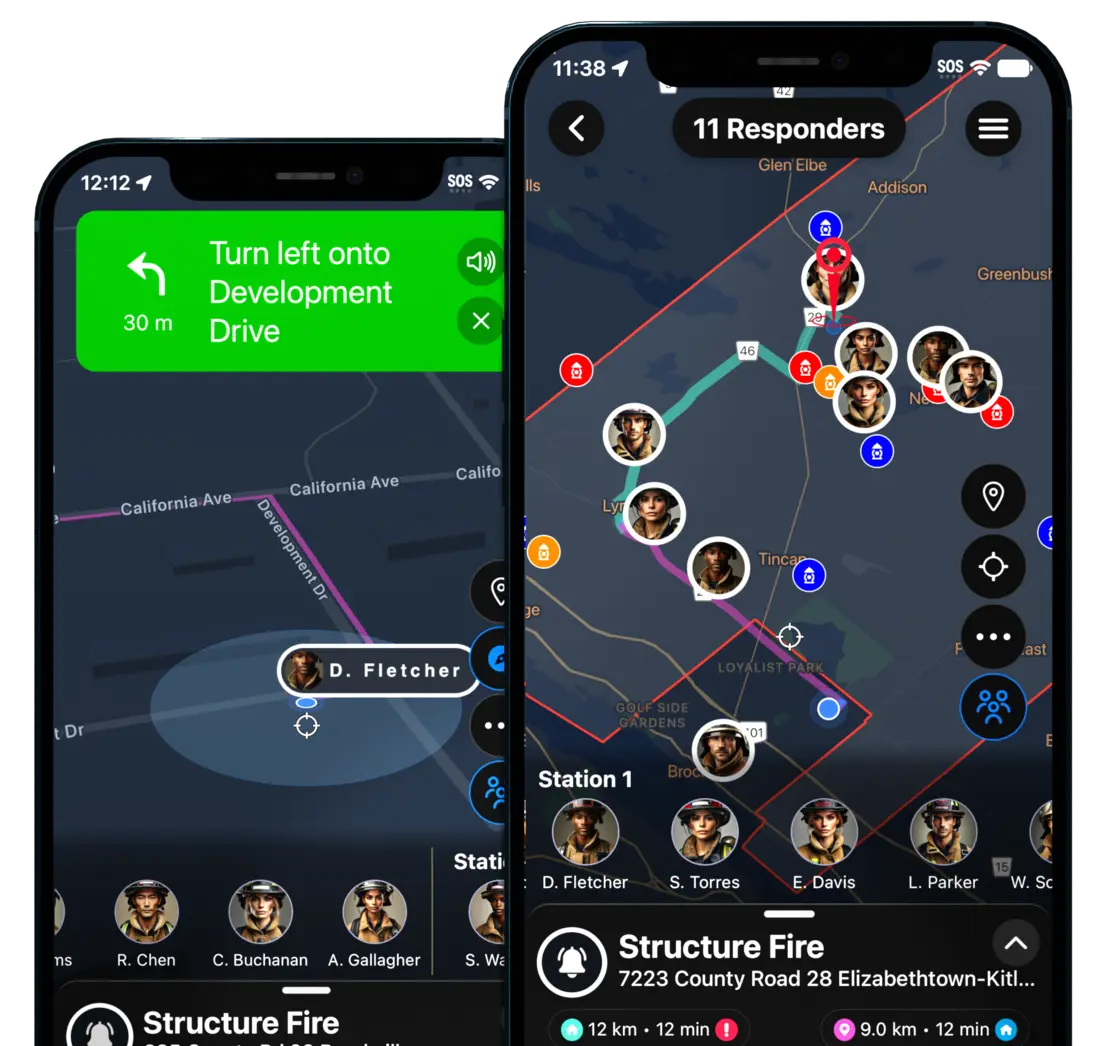
The next time the tone drops, tap "Responding" and you're on the live board with GPS and ETA.
Members without smartphones receive automated phone calls and text alerts, and respond through a toll-free call-in number.